
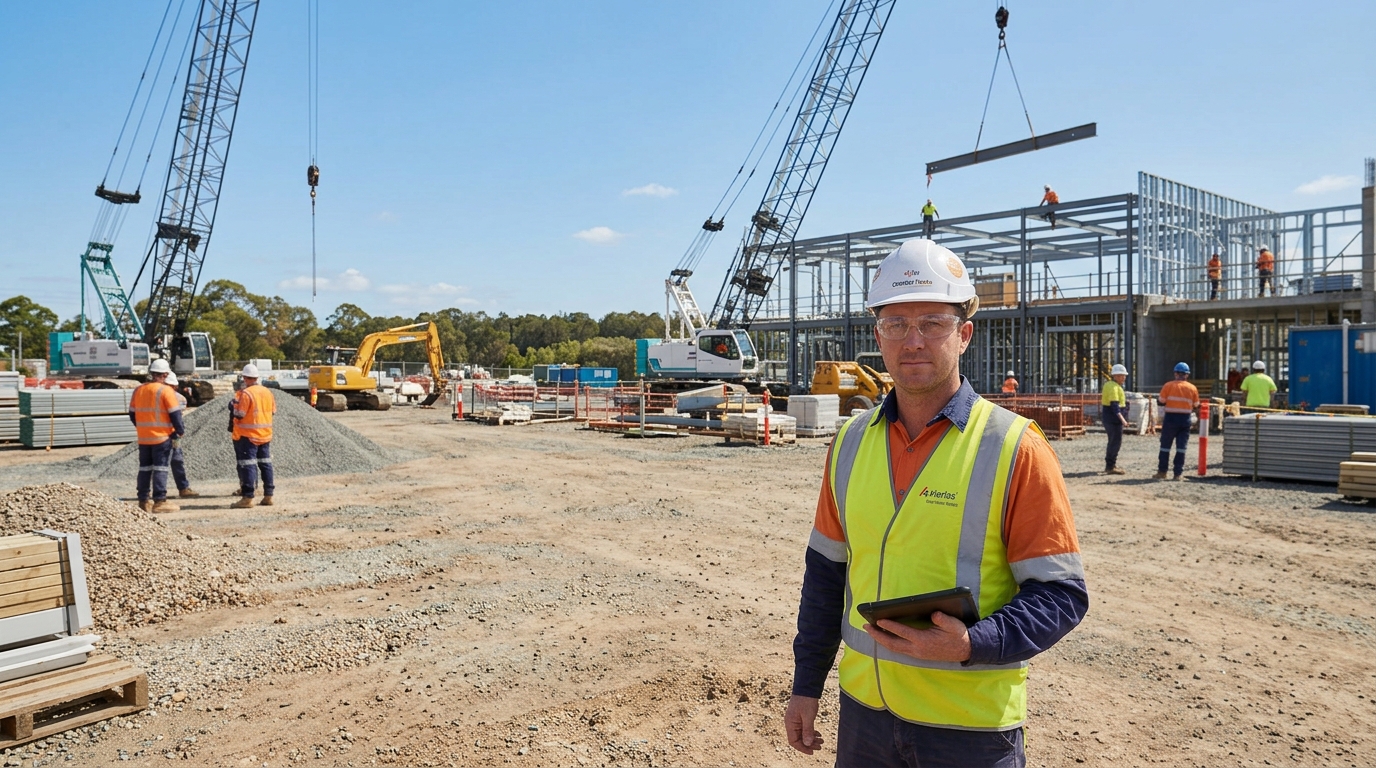

The Ultimate Automated SWMS: Less Paperwork, More Getting Stuff Done
Stay Safe For Safe Work Month
Be honest: when someone says “Australian SWMS,” you don’t think “beauty, can’t wait.”
However, you think clipboards and email chains. You try to find the latest version that isn’t about tools you stopped using five years ago.
During Safe Work Month, aim to reduce clutter and find the latest version quickly.
That’s where Automated SWMS steps in.
It does not replace you or your judgment.
Automated SWMS handles the boring admin.
Thus, you can stay focused on safety and finishing the job.
1. Smarter creation (without turning you into a keyboard warrior)
Instead of starting every Construction SWMS from a blank doc called “SWMS-final-FINAL-v7-really-this-time.docs,” automation lets you build from templates, standard tasks, and pre-loaded hazards. You still choose the controls, methods, and details — the system just does the heavy lifting, fills the repeat bits, and keeps everything consistent across jobs.
2. Instant distribution (no more “I never got that email, mate”)
For Safe Work Month, once your Australian SWMS is ready, a system sends it to supervisors, subcontractors, and project managers.
Moreover, it avoids chasing everyone like a debt collector.
Site crews can access it on phones or tablets, instead of digging through tools and site sheds, sign on screen.
3. Reviews that actually happen (and on time)
Automated SWMS workflows can nudge people when it’s their turn to review.
No more guessing who’s got the latest copy or whether it’s been signed off.
Thus, you still decide what’s safe.
The software keeps the process moving, so nothing is forgotten on a live site.
4. Sign-off without the paper shuffle
Instead of passing around a dog-eared folder, workers can read the Construction SWMS on their device.
Additionally, they can sign on the spot and get back to work.
Same responsibility, same accountability, just less walking with a pen and a sad-looking clipboard.
5. Version control that saves your bacon
Change a method, add a new plant piece, or update a control? Automated SWMS tools track the version, the date, and who did what. Everyone is working off the same current document, not “that one Dave printed three months ago.” Therefore, when someone asks, “Where’s the latest SWMS?” you don’t point vaguely at a filing cabinet. You pull it up in seconds.
So who’s actually responsible?
The human! That’s you. Automated SWMS doesn’t decide what’s safe or what controls to use. It doesn’t know your site like you do. It just makes it quicker and easier to capture your decisions, share them with the team, and prove that people have read and signed off.
Additionally, if you’re chasing signatures and the latest SWMS, it might be time to let automation handle the paperwork.
It can also reduce spreadsheet tasks on the worksite.
Stay Safe For Safe Work Month