
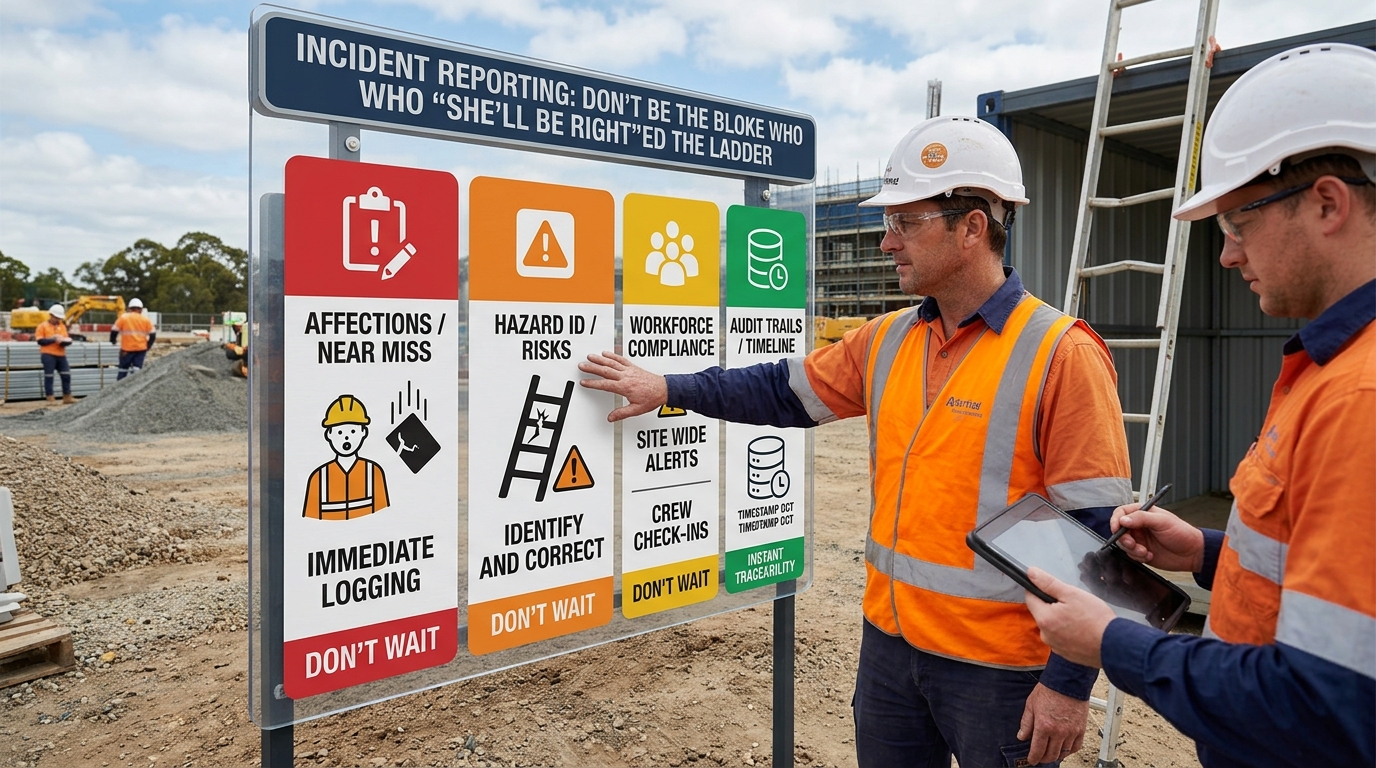

Incident Reporting: Don’t Be the Bloke Who “She’ll Be Right”ed the Ladder
In CONSTRUCTION SITE SAFETY terms, the real story is simple: the job stops when someone stacks it. If you don’t capture that incident properly, you’re just collecting bruises instead of fixing problems.
That’s where solid incident reporting — tied in with your Australian SWMS, Construction SWMS and even your fancy Automated SWMS — stops being “compliance fluff” and starts being a genuine time, money and headache saver.
Why report incidents and near misses fast?
Think of incidents like wet concrete: deal with it quick, and you can smooth it out. Leave it too long, and it sets like stone around a half-baked story.
Reporting incidents and near misses straight away means:
- Details are fresh — no one’s trying to remember if it was Tuesday, or “the day Gazza dropped the grinder”.
- You can lock in photos, locations and what actually happened, not the cleaned-up “PR version”.
- Supervisors can jump on any serious issues before they turn into “call the boss” moments.
Capture it clearly (no interpretive dance in the notes)
A good incident report isn’t poetry; it’s clear and concise for CONSTRUCTION SITE SAFETY. It should cover who, what, where, when, and how. Bonus points for photos and a quick note on the related task or SWMS.
When your reporting talks to your Construction SWMS and Automated SWMS, you can see patterns: same task, same area, same bit of gear causing dramas over and over. That’s your cue that the controls in that SWMS need a tune-up, not a shrug.
Don’t just log it — give it an owner
Incidents with no owner are like tools in the back of the ute: forgotten until something rattles. Every incident and near miss should be assigned to someone who’s clearly on the hook for follow-up.
- One person to review what went wrong.
- One person to check what the relevant Australian SWMS actually says.
- One person to confirm what needs to change and by when.
That doesn’t mean more meetings, just clear responsibility: “This one’s yours, mate.”
Track it to resolution (no black holes of paperwork) in your Construction Site Safety Systems.
Filling in an incident form and never seeing it again is like writing a wish list to the jobsite fairy. You need to see it go from “Reported” to “Sorted” with the steps in between actually recorded.
- What control did you change?
- Did you update the SWMS?
- Did the crew get the memo (and toolbox talk)?
- Did similar work on other sites get checked too?
When you can track that whole chain, you’re not just reacting to incidents, you’re tightening up your controls job after job.
Linking incidents back to your SWMS (without the legal lecture)
Incidents and SWMS go hand-in-hand: the report tells you what actually happened; the SWMS tells you what was supposed to happen. The gold is in the gap between the two.
When your incident system talks to your Automated SWMS, you can quickly:
- Spot which tasks are generating the most incidents or near misses.
- Review the controls in the related Construction SWMS.
- Update the SWMS and push the changes out to your crews without chasing paper.
No legal jargon, no pretending it’s magic — just a practical loop between what happens on site and how you plan the work.
Make it easy or it won’t happen
If reporting an incident takes longer than making a coffee, the form will lose to the kettle every time. The trick is to make the process so simple your crew can:
- Log an incident or near miss on their phone before smoko’s over.
- Attach a couple of quick photos.
- Tag the task or SWMS they were working under.
- See who’s following it up and what’s happening next.
Do that, and incident reporting stops feeling like homework and starts feeling like part of doing the job properly.
Bottom line? If your incident reporting is fast, clear, owned by someone, and tracked right through to changes in your Australian SWMS, you’re not just ticking boxes. You’re building a site where people go home in one piece — and you spend more time getting work done than filling out forms after things go pear-shaped.